How To Prevent Ac Overheating Due To Dust
Air conditioning units are a blessing during hot weather, providing comfort and relief. However, dust accumulation can lead to AC overheating, reduced efficiency, and even costly repairs. Understanding how to prevent AC overheating due to dust is essential for every homeowner or office manager. This guide explains practical steps to maintain your AC, improve performance, and avoid overheating.
Understanding AC Overheating
How Dust Affects AC Performance
Dust can accumulate on the filters, coils, and vents of your AC. This buildup restricts airflow, forcing the compressor to work harder. Over time, this strain can cause the unit to overheat and reduce its lifespan.
Signs Your AC Is Overheating
Some common signs include warm air instead of cold, unusual noises, frequent cycling, and higher energy bills. Recognizing these early can prevent severe damage.
Regular AC Cleaning
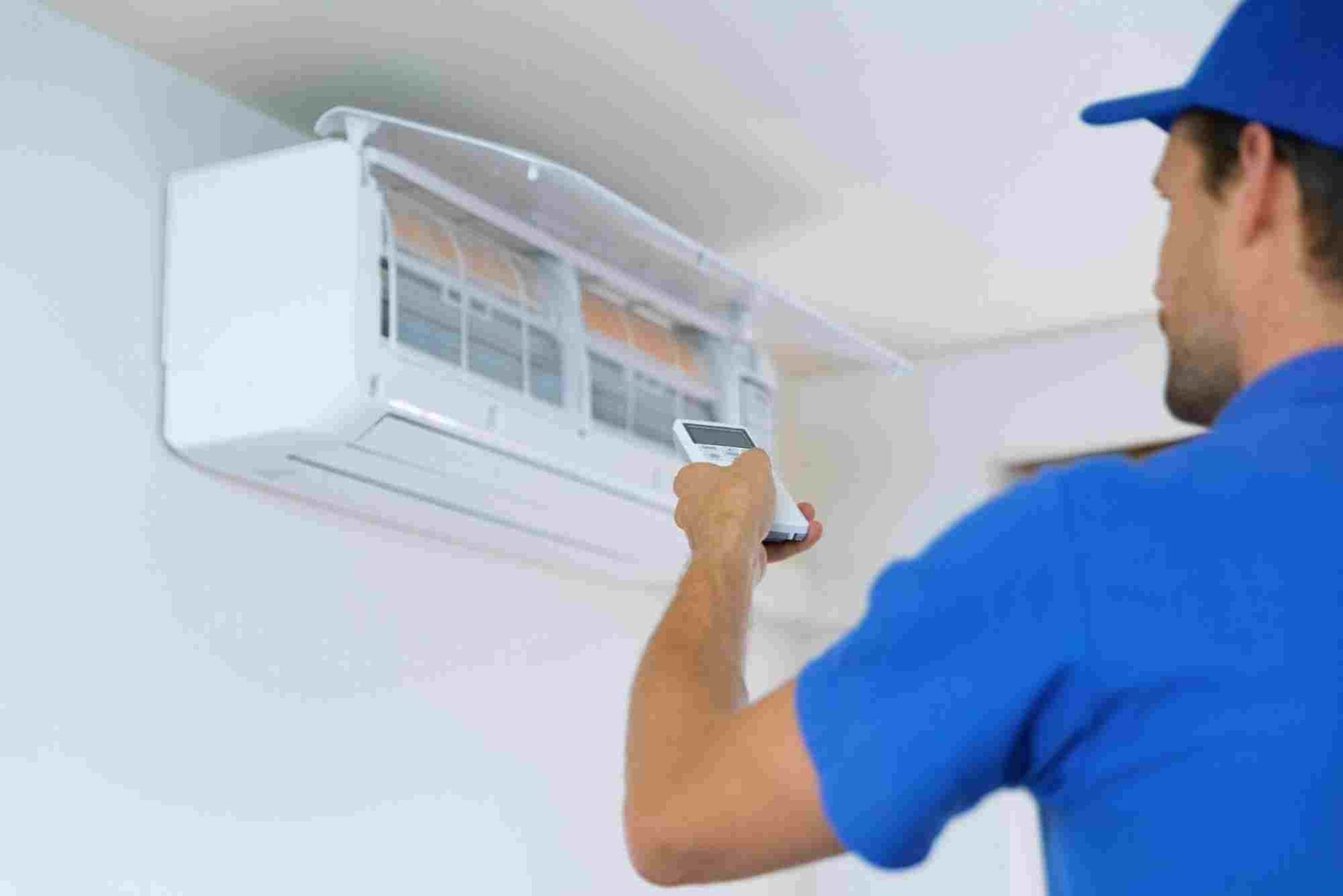
Clean or Replace Air Filters
Air filters trap dust and debris. Cleaning or replacing them every 1–3 months ensures smooth airflow and reduces the risk of overheating.
Wipe Down Coils and Fins
Dust on evaporator and condenser coils prevents proper heat exchange. Gently clean them using a soft brush or vacuum to maintain efficiency.
Clean the AC Vents
Dust accumulation in vents can block airflow. Wipe vents regularly with a damp cloth and ensure unobstructed airflow throughout the room.
Proper AC Maintenance
Schedule Professional Servicing
A professional can check refrigerant levels, clean internal components, and identify potential issues before they cause overheating. How To Prevent Ac Overheating Due To Dust Regular servicing keeps your AC in top condition.
Inspect Electrical Components
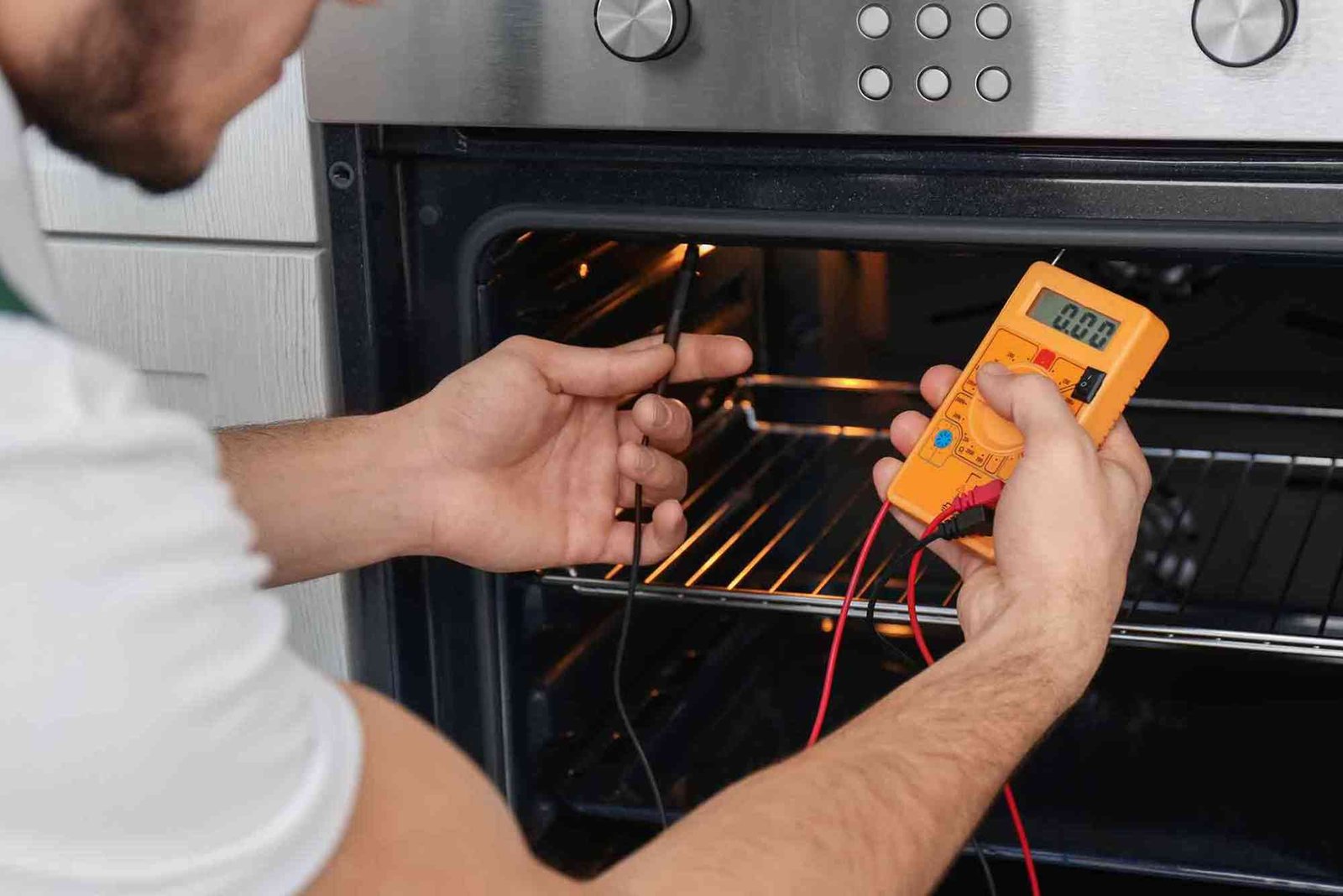
Dust and debris can cause electrical components to overheat. Inspect wiring and connections during maintenance to prevent malfunctions.
Check for Blockages Around the Outdoor Unit
The outdoor condenser unit needs proper airflow. Remove leaves, dirt, and debris from around the unit to prevent strain on the system.
Optimize AC Usage
Avoid Overworking Your AC
Running the AC at maximum settings constantly can increase dust intake and overheating risk. Set moderate temperatures and use fans to circulate air.
Maintain Room Cleanliness
Dusty rooms contribute to faster AC filter clogging. Related Blog article Regular cleaning reduces the dust that reaches your AC system.
Use Air Purifiers
Air purifiers help capture dust before it enters the AC system. This reduces filter clogging and protects your AC from overheating.
Benefits of Preventing AC Overheating
Preventing dust-related overheating improves energy efficiency, reduces repair costs, and prolongs the AC’s lifespan. A well-maintained AC also provides consistent cooling and cleaner air.
FAQs About AC Overheating
What causes an AC to overheat?
AC units overheat mainly due to blocked airflow from dust buildup, dirty filters, low refrigerant, or electrical issues.
How often should I clean my AC filters?
Filters should be cleaned or replaced every 1–3 months depending on usage and dust levels in the room.
Can dust damage my AC permanently?
Yes, prolonged dust buildup can strain the compressor, reduce efficiency, and lead to permanent damage.
Is professional AC maintenance necessary?
Yes, professional servicing ensures deeper cleaning, proper refrigerant levels, and early detection of potential problems.
How can I reduce dust in my home to protect my AC?
Regular vacuuming, using air purifiers, and keeping windows closed during dusty seasons help reduce dust entering your AC system.
Preventing AC overheating due to dust is simple if you maintain your system regularly. Clean filters, monitor airflow, schedule professional maintenance, and keep your environment dust-free. These steps save energy, reduce costs, and keep your AC performing optimally.
Take control today and protect your AC from dust-related damage. For more practical tips, check out our Related Blog article or Learn more about efficient AC maintenance strategies.