Introduction
DTF printing has revolutionized custom apparel and merchandise production. Its versatility, vibrant colors, and compatibility with various fabrics make it a preferred choice for hobbyists and professionals alike. However, despite its advantages, DTF printing comes with a learning curve. Many beginners and even experienced printers make avoidable mistakes that compromise quality, waste materials, and reduce profitability. Understanding these pitfalls can save time, money, and frustration, ensuring that every print is sharp, durable, and professional-looking.
Understanding DTF Printing
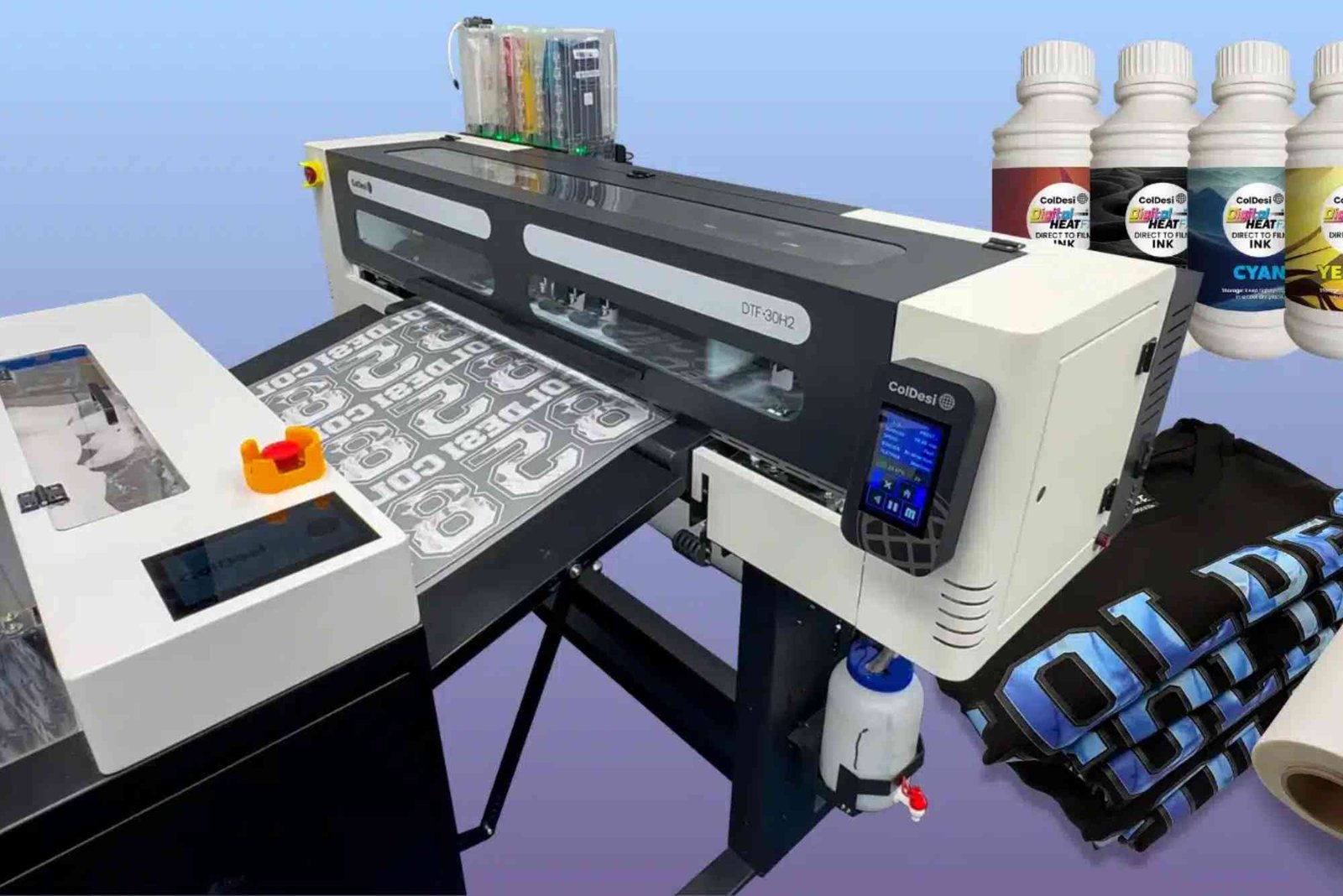
DTF, or Direct-to-Film printing, involves printing designs onto a special film and transferring them onto fabric using heat and adhesive powder. Unlike DTG printing, DTF allows printing on a wide range of fabrics, including cotton, polyester, blends, and even dark materials. The process requires precision at each step — from digital file preparation to heat pressing — and small errors can result in defective prints. By mastering the essentials and avoiding common pitfalls, you can produce professional-grade prints consistently.
Common Mistakes in File Preparation
File preparation is the foundation of successful DTF printing. Many mistakes here can affect the final print quality significantly.
Ignoring Proper Resolution and Format
Low-resolution images often appear pixelated or blurry once printed. For DTF printing, it’s crucial to use images with at least 300 DPI to ensure crisp details. Additionally, file formats matter. PNGs with transparent backgrounds work best, allowing clean edges without unwanted white halos. Using JPEGs or poorly prepared PNGs can ruin your design during the transfer process.
Not Checking Color Profiles
DTF printers use CMYK color profiles for accurate color reproduction. Submitting RGB images without converting them can lead to dull or incorrect colors. Always verify your design’s color profile before printing. Soft proofing in design software helps preview the expected print outcome, reducing costly mistakes.
Overlooking Design Complexity
Highly detailed designs may look fantastic on a screen but can be challenging for DTF transfers. Fine lines or intricate patterns may not adhere properly to the adhesive powder, resulting in smudges or missing details. Simplifying complex designs or using vector graphics can minimize errors and improve transfer quality.

Errors During Printing
Even with a perfect file, errors during the printing process can compromise results.
Using Incorrect Ink or Film
DTF printing requires specific inks compatible with your printer and adhesive powder. Using the wrong type of ink or substandard film can cause poor adhesion, fading, or peeling. Always source quality materials recommended for your printer model.
Inconsistent Printer Settings
Temperature, speed, and print density settings affect the quality of your prints. Setting the printer too fast can result in incomplete ink deposition, while low temperatures may prevent proper ink fusion with the adhesive powder. Test settings on small samples before large-scale production.
Skipping Regular Maintenance
Printers accumulate dust and residual ink over time. Ignoring regular cleaning can lead to clogged nozzles, streaks, and uneven prints. Following a maintenance schedule, including nozzle checks and printhead cleaning, ensures reliable results and prolongs equipment life.
Mistakes During Powder Application
The adhesive powder plays a critical role in DTF printing. Improper handling can affect print durability.
Uneven Powder Coating
Uneven application of adhesive powder leads to inconsistent transfers, with some areas sticking properly and others peeling off. Use a dedicated shaker or sifter to apply a uniform layer, and gently tap off excess powder to avoid clumps.
Not Curing the Powder Correctly
After powder application, curing with heat ensures proper bonding to the ink. Insufficient curing can result in peeling or cracking, while over-curing can discolor the print. Follow manufacturer guidelines carefully, using accurate temperature and time controls.
Heat Pressing Mistakes
The heat press is the final step in DTF printing, and errors here are costly.
Incorrect Temperature or Pressure
Each fabric type requires specific temperature and pressure settings. Too high heat may burn the fabric or melt the print, while too low prevents adhesion. Always adjust according to fabric type and the adhesive powder manufacturer’s instructions.
Rushing the Transfer Process
Removing the transfer film too early or pressing for an insufficient duration can cause prints to lift or peel. Allow enough time for heat and pressure to bond the design securely to the fabric. Patience ensures long-lasting, professional-quality results.
Ignoring Peel Type
DTF films may require cold or hot peeling depending on the ink and adhesive used. Peeling at the wrong time can ruin the print. Consult guidelines for your specific powder and film type to achieve perfect transfers every time.
Post-Printing Errors
Even after successful heat pressing, mistakes can affect the longevity and presentation of your prints.
Skipping Heat Press Tests
Before mass production, testing transfers on a single garment helps identify any issues with adhesion, color vibrancy, or design placement. Skipping this step increases the risk of large-scale failures.
Washing Without Care Instructions
DTF prints are durable, but improper washing can shorten their lifespan. Using harsh detergents, high temperatures, or tumble drying frequently can damage prints. Always follow recommended washing instructions to maintain quality.
Storing Prints Improperly
Stacking freshly printed garments before the ink fully cures can cause smudging or sticking. Allow prints to cool completely, and store garments flat or individually to prevent damage.
Best Practices to Avoid Common Mistakes
Preventing mistakes in DTF printing requires Common Mistakes To Avoids In Dtf Printing attention to detail, patience, and continuous learning. Always source high-quality inks, films, and powders. Regularly maintain and calibrate your printer. Test settings before production runs, and use proper file formats and resolutions. Understanding your materials and equipment ensures predictable results, saving time and reducing waste. Following these best practices not only improves output quality but also builds confidence for larger production runs.
DTF printing offers unmatched versatility and high-quality results, but mistakes at any stage — from file preparation to post-printing care — can compromise your work. Avoiding common pitfalls such as poor file resolution, incorrect settings, improper powder application, and careless heat pressing will dramatically improve your results. Regular testing, maintenance, and adherence to best practices help you produce vibrant, durable prints consistently. By mastering the process, you can maximize efficiency, reduce waste, and elevate the quality of your printed apparel.
For more insights on DTF printing and related topics, explore our Related Blog article. To deepen your understanding of health and safety practices during printing, Learn more. Start applying these tips today and see the difference in your DTF printing results. To discover additional guides and expert advice, visit our Common Mistakes To Avoid In Dtf Printing .
Frequently Asked Questions
What fabric types work best for DTF printing?
DTF printing is compatible with cotton, polyester, blends, and even dark fabrics, making it versatile for apparel and merchandise.
How can I prevent peeling in DTF prints?
Ensure even powder application, proper curing, correct temperature and pressure, and follow manufacturer guidelines for peel type.
Can I wash DTF printed garments normally?
Yes, but use gentle detergents, avoid high heat, and follow recommended washing instructions to maintain print longevity.
Is DTF printing cost-effective for small orders?
Yes, especially compared to other printing methods, because it allows high-quality prints without extensive setup costs.
Do I need special software for DTF designs?
Professional design software like Adobe Illustrator or Photoshop is recommended to ensure proper resolution, color profiles, and file formats.